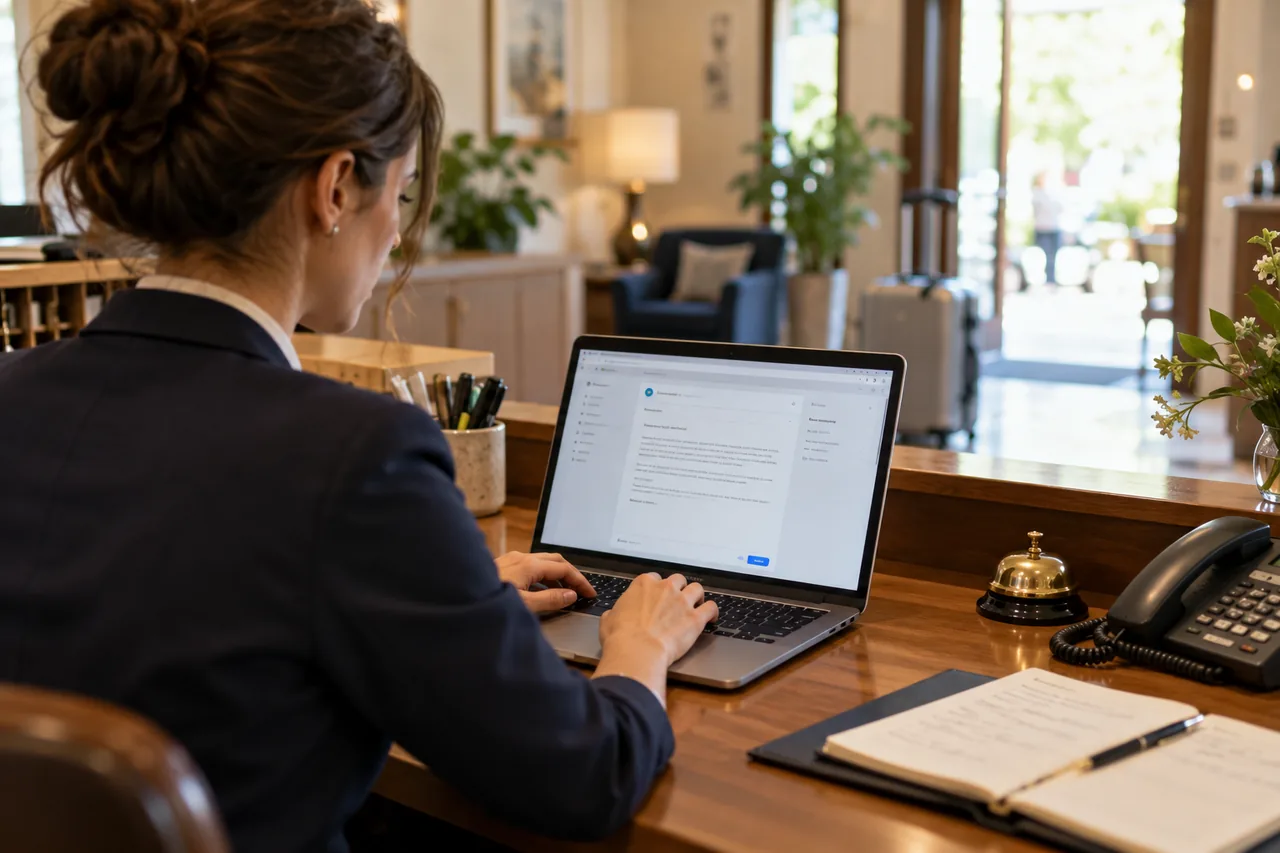
"What time is check-in?" "Do you have parking?" "Can we bring the dogs?" These questions arrive every day, by email, WhatsApp, phone and chat. Reception always gives the same answer, losing time that could go to guests in the hotel.
Automating replies is useful. But there's a risk: turning a warm, family-run hotel into a cold answering machine. Let's look at how to automate replies to frequent questions while keeping the personal touch that makes the difference.
What to automate (and what not to)
| Automate | Leave to a person |
|---|---|
| Check-in and check-out times | Special requests and occasions |
| Parking, pets, breakfast | Complaints and problems |
| Directions, distances | Complex quotes and groups |
| City tax, conditions | Price negotiations |
| Pre-arrival information | Regulars and VIPs |
The tools
- quick replies on WhatsApp Business and email (saved templates). See WhatsApp Business for hotels: how to organise enquiries and quotes;
- scheduled automatic messages (confirmation, pre-arrival, post-stay) from your PMS or booking engine;
- good FAQs on your website, answering before guests even ask. See FAQs on your hotel website: which guest questions deserve an answer;
- AI assistants answering from your information, with handover to a person. See an AI assistant on your hotel website: when it helps and when it confuses.
How to keep the personal touch
1. Write the way you speak
Automatic replies shouldn't sound automatic. Use your reception's tone:
- ❌ "Please be advised that check-in is from 2:00pm."
- ✅ "Check-in is from 2pm, but if you arrive earlier just leave your bags and head to the beach: we'll call you when the room's ready!"
2. Always personalise the opening
Even with a template, add the name and a reference to the request: "Hi Laura, how lovely that you're coming in July!"
3. Add a human tip
A line only a local could write: "If you're driving on Saturday, avoid the main exit: there's always a queue. Take the next one."
4. Sign with a name
"Anna, reception" beats "The staff". And if the guest replies, a person should answer.
5. Always leave a door open
"For anything else, just message us here: someone from our team will reply."
AI for replies: using it well
AI can prepare personalised replies in several languages from your knowledge base. To make it work well:
- give it complete, correct information;
- give it a tone of voice with examples;
- define what it must not do (prices, availability, promises);
- check replies, especially at first.
See how to stop an AI assistant inventing hotel prices, services or conditions.
Example of an automatic (but warm) pre-arrival message
Hi Marco! Three days to go until you arrive, and we're already getting ready 😊 A few useful things: - check-in from 2pm (if you arrive earlier, luggage storage is available) - parking: your space is reserved in the inner courtyard, entrance on Via dei Mille - breakfast from 7:30 to 10:30 If you're celebrating something or have special requests, message us here. See you Saturday! Anna and the whole Hotel Sole family
Check and update
A wrong automatic reply gets repeated to everyone. At the start of every season (and whenever something changes), reread all your templates and automatic messages.
Frequently asked questions
Do guests notice automatic replies?
If they're well written and personalised, rarely. If they're cold and generic, immediately.
How much time is saved?
Often a lot, especially in high season. Measure message volume and response time before and after. See how to tell whether automation really saves reception time.
Do automatic replies work in several languages?
Yes, with carefully translated templates or with AI's help, always checked.
Want to automate without losing warmth?
With our free marketing audit we analyse the questions you receive and how you reply, and help you create messages and automations with the right tone for your hotel.