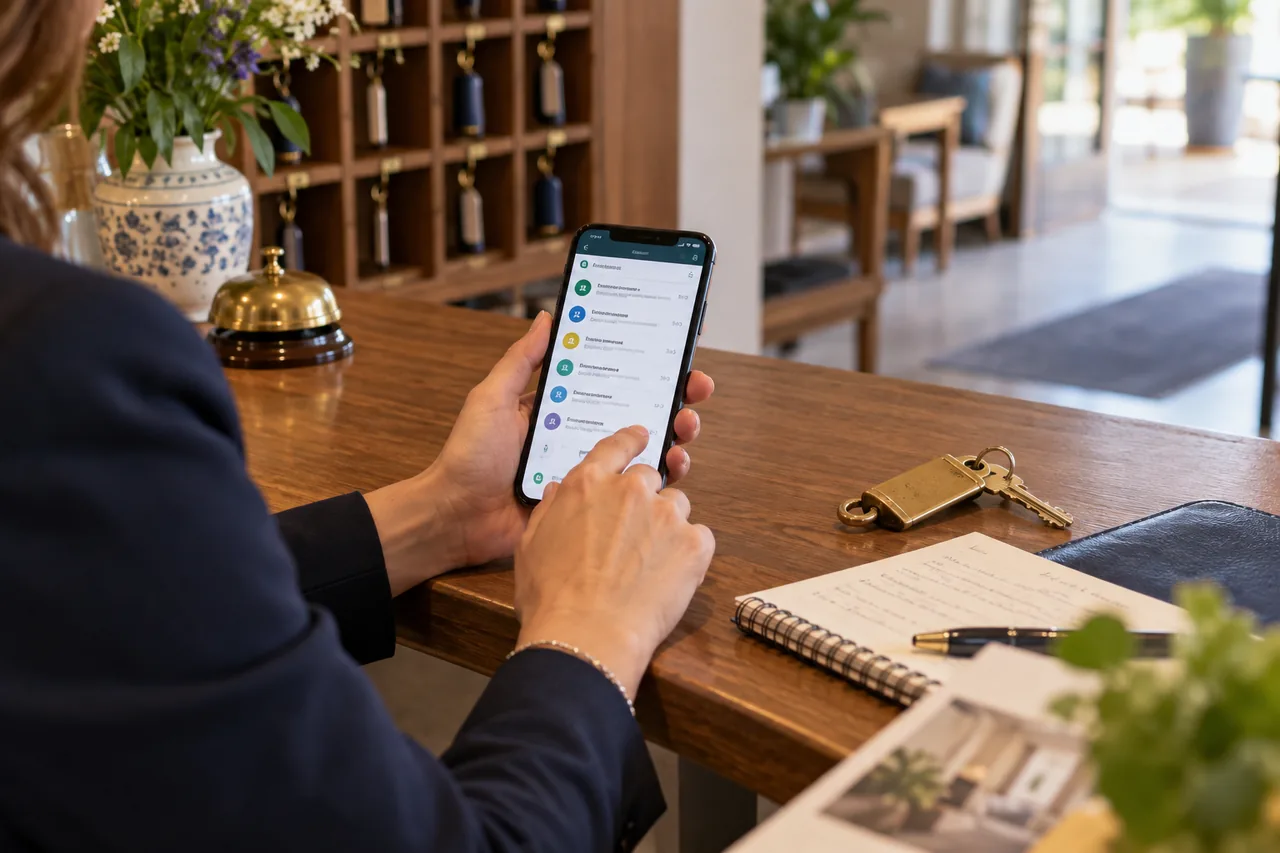
For many hotels, WhatsApp has become the main contact channel: guests write to ask about availability, prices, information, arrival times. It's immediate and personal. But if it isn't organised, it becomes chaos: lost messages, late replies, forgotten quotes, the owner's phone buzzing at midnight.
Let's look at how to use WhatsApp Business at your hotel in an organised way, to reply better, close more bookings and work less.
WhatsApp Business, not a personal number
The free WhatsApp Business app offers features designed for businesses:
- a business profile with address, hours, website, description;
- automatic greeting and away messages;
- saved quick replies;
- labels to organise chats;
- a catalogue to show rooms, offers or services;
- a short link and QR code so people can contact you.
Use a hotel number, not a personal one: chats stay with the hotel even when staff change.
Basic setup
- Complete profile: logo, short description, address, website, reception hours.
- Greeting message: "Hi! Thanks for getting in touch. For a quote, tell us your dates and the number of adults and children (with ages). We'll reply within an hour during reception hours."
- Away message: with hours and, if useful, the booking engine link for people who want to book straight away.
- Catalogue: room types with photos and "from" prices, plus main offers.
Quick replies: the secret to speed
Prepare saved replies for the most frequent questions:
- parking;
- pets;
- check-in and check-out times;
- breakfast and half board;
- directions;
- cancellation terms;
- quote template.
Always personalise with name and details: a quick reply is a starting point, not a cold copy-paste.
Labels: your lightweight CRM
Create labels to track each conversation:
- 🟡 New enquiry
- 🔵 Quote sent
- 🟠 Follow-up due
- 🟢 Confirmed
- 🔴 Lost
- ⭐ Regular guest
Every day, filter by "Quote sent" and "Follow-up due": no request gets forgotten. See the guest hasn't replied to your quote: when and how to follow up.
Quotes on WhatsApp
- short and readable on mobile;
- total stay price highlighted;
- what's included in a few lines;
- a booking engine link to confirm;
- an option deadline.
See how to write a hotel quote that helps guests choose.
Working as a team
If several people reply:
- use a dedicated device at reception, or WhatsApp Web on several workstations;
- decide who replies at which times;
- note in chats who handled the request;
- for high volumes, consider solutions built on the WhatsApp Business Platform (API) with multiple agents and integrations.
Privacy and good practice
- use WhatsApp for service messages and to reply to people who contact you;
- promotional messages require the guest's consent;
- don't ask for sensitive data or card numbers in chat: use the booking engine's secure payment link;
- explain how data is used in your privacy policy.
Measure
Count enquiries, quotes sent, confirmations and revenue from WhatsApp. Add an Analytics event for clicks on your website's WhatsApp button. See WhatsApp or booking engine: which path to offer on your hotel website?.
Frequently asked questions
Is WhatsApp Business free?
The app is. Advanced multi-agent solutions (via WhatsApp's business platform and connected providers) may have costs.
Can I automate replies with AI?
Partly, with tools connected to the WhatsApp Business Platform. But quotes and special requests should always be checked by a person. See how to automate FAQ replies without losing the personal touch.
Can I send offers on WhatsApp to past guests?
Only with their explicit consent to receive promotional messages on that channel.
Want to organise your hotel's enquiries better?
With our free marketing audit we analyse how you handle WhatsApp, email and phone and suggest a simple system to reply faster and confirm more.