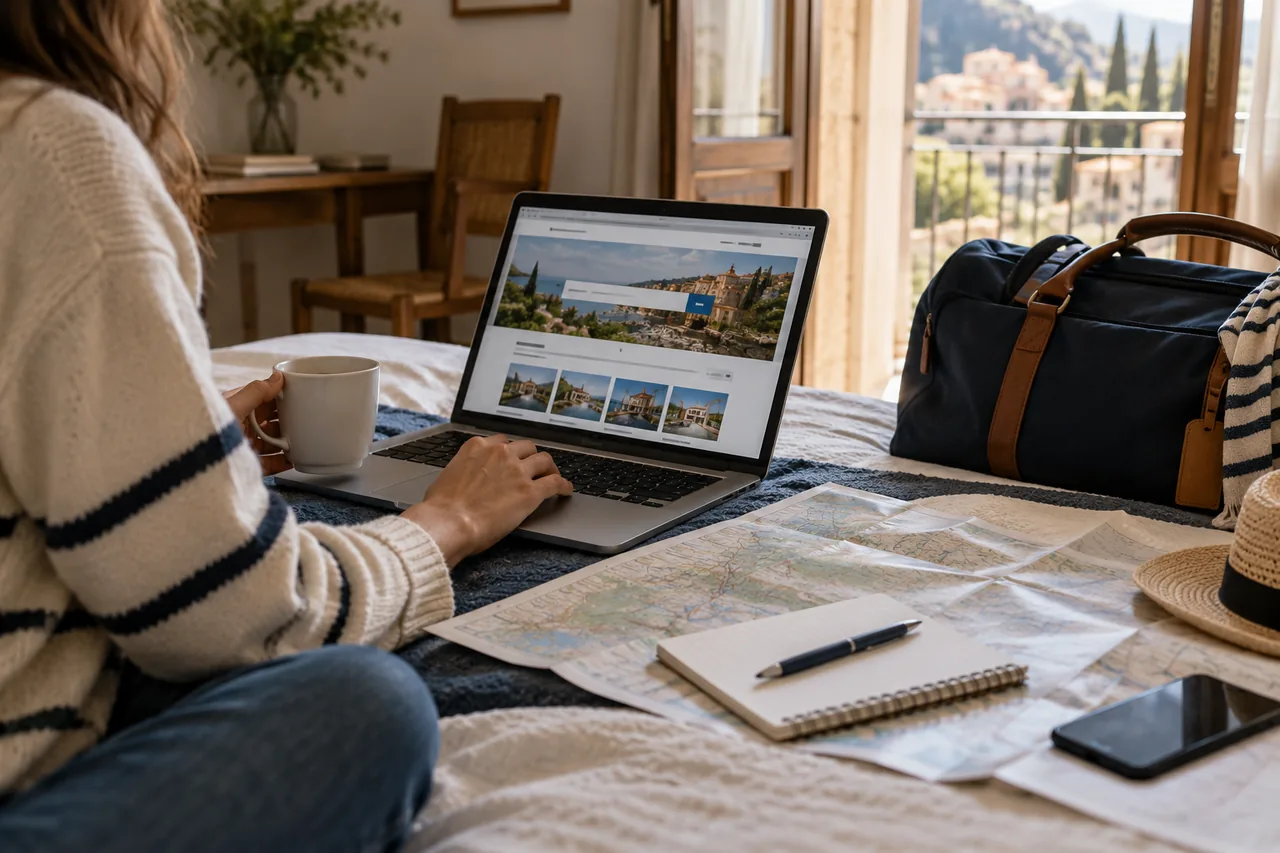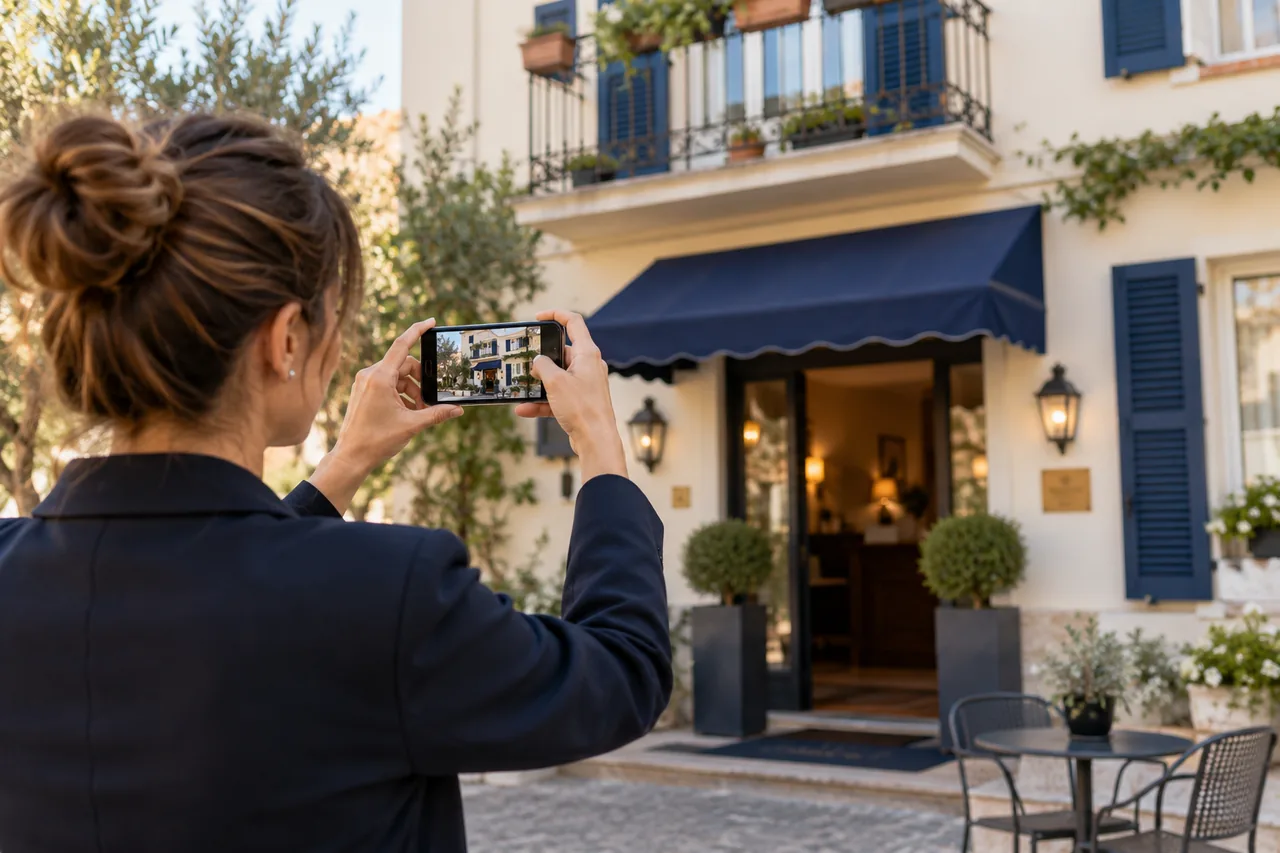
For many guests, the first contact with your hotel isn't your website or even Booking.com: it's the panel Google shows when they search your hotel's name or "hotel in [town]". Photos, score, prices, location, amenities. In a few seconds the guest forms an opinion.
That panel is your Google Business Profile (formerly Google My Business). For hotels it works a bit differently from restaurants or shops. Let's look at what to complete, what to update and what to watch out for.
Step zero: claim and verify your profile
Many hotels have a profile created automatically or by someone else (a former employee, an old agency). Google explains that to manage the information you need to verify the business profile. Do it with a Google account owned by the hotel, not by an individual, and add colleagues as managers.
Watch out for duplicates: when creating or claiming the profile, only select a suggestion if all the information matches your hotel.
Basic information
- Name: your hotel's real name, without added keywords ("Hotel Sole – Family Hotel Rimini Beach" breaks the guidelines).
- Category: "Hotel" as primary (or the correct lodging category for your property).
- Address and map pin: precise, at the exact entrance.
- Phone and website: identical to your website and other channels.
- Check-in and check-out times.
Attributes and amenities
Google offers many hotel-specific attributes: parking, pool, Wi-Fi, breakfast, pets allowed, air conditioning, accessibility, restaurant, spa, shuttle, family services. They matter because:
- guests use them as filters in Google's hotel search;
- they help Google (and its AI systems) understand which searches you're relevant for.
Google notes that hotel attributes are updated from the profile dashboard or via API, not with bulk upload spreadsheets. Check them at least once a season.
Photos
- at least 20–30 up-to-date photos: exterior, entrance, rooms (each type), bathrooms, breakfast, common areas, view, surroundings;
- real, well-lit photos without overlaid text or logos;
- update after every renovation.
Guests upload photos too: check them periodically and flag irrelevant ones.
Prices and booking links
The hotel panel shows prices from those connected to Google Hotel Center: OTAs and, if active, your website. If your booking engine isn't connected, your price isn't there. See free booking links on Google: how they work for hotels.
Reviews
Reply to all of them, positive and negative, with personal, professional responses. The panel can also show review summaries from other platforms. See negative hotel reviews: how to reply without making things worse.
What's different for hotels
- Posts and offers: hotels can publish updates, but not posts with offers, discounts or promotions.
- Description: for lodging businesses the description shown may be generated or managed by Google from available information — which makes complete, consistent attributes, website and other channels even more important.
- Q&A: the old Q&A section has been retired and, where available, replaced by Google AI-generated answers based on your website, profile and reviews.
Stats to watch
Your profile shows views, searches, website clicks, calls and direction requests. Check them monthly and use UTM-tagged links to your website to measure the visits and bookings coming from Google in Analytics. See how to measure enquiries coming from your hotel's Google profile.
Monthly checklist
- Basic information still correct?
- Attributes updated for the season (pool open, restaurant, shuttle)?
- New photos uploaded?
- Every review answered?
- Your website prices showing correctly in the panel?
- Any edits suggested by users or Google to accept or reject?
Frequently asked questions
Is the Google profile free?
Yes, creating and managing the profile is free. You only pay if you choose to advertise (for example, Google Hotel Ads).
Can Google change my hotel's information?
Yes: Google can update information based on user suggestions or other sources. That's why it pays to check the profile often and keep your website and other channels consistent. See wrong photos, amenities and location on Google: how to fix your hotel's presence.
Can I set my hotel's star rating in the profile?
The official classification can't be set freely: Google derives it from third-party sources. If it's wrong, report it through the proper process.
Want a Google profile that works for you?
With our free marketing audit we check your hotel's Google profile, attributes, photos, reviews and price connection, and tell you what to fix first.
Sources: Google Business Profile Help for lodging businesses.