Happy guests rarely write reviews spontaneously. Unhappy ones often do. The result is that many hotels have reviews that don't truly reflect most guests' experience, and fewer reviews than they deserve.
Reviews matter: they influence guests' choices, visibility on Google Maps and OTAs, and the price you can charge. Let's look at how to ask guests for reviews naturally, without seeming pushy and within the rules.
Rules to respect
- don't offer discounts, gifts or perks in exchange for reviews (positive or negative): it's against the major platforms' guidelines;
- don't ask only for positive reviews and don't filter guests (asking only happy guests is discouraged or banned by some platforms);
- don't write fake reviews or have staff or friends write them;
- in the EU, rules on unfair commercial practices and online reviews protect consumers: transparency first.
Politely asking every guest is perfectly legitimate and effective.
When to ask
During the stay
The best moment to "plant" the request is when a guest expresses satisfaction: "Breakfast is lovely!" A natural reply: "Thank you! If you feel like it, we'd really appreciate you saying so in a Google review."
At check-out
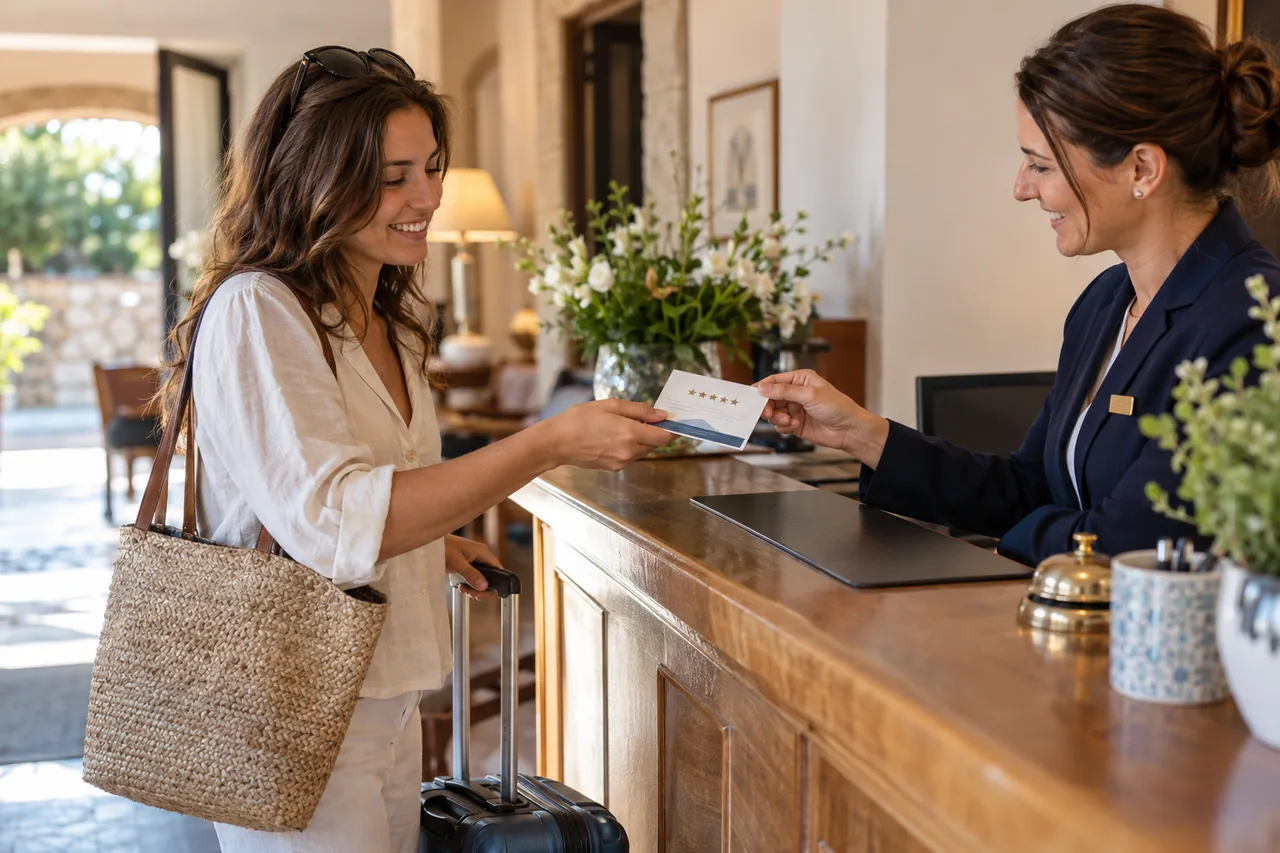
A personal goodbye and a card with a QR code leading straight to the review page.
After departure
An email or message within 1–3 days, while the memory is fresh:
Dear Laura, thank you for staying with us! We hope your holiday was everything you imagined. If you have two minutes, your review on Google would help other families get to know us: [link]. Warm regards, Anna – Hotel Sole
(For post-departure messages, make sure you have contact details and a legitimate basis for writing to the guest.)
Which platforms
- Google: essential for local visibility and your hotel panel;
- Booking.com and Expedia: they automatically ask guests who booked through them;
- Tripadvisor: still important for some markets;
- platforms specific to your audience.
Direct guests especially towards Google, where the review request isn't automatic.
Make leaving a review easy
- a direct link to the Google review form (you'll find it in your Business Profile);
- a QR code at reception, in the room, on the goodbye card;
- one link, not five different platforms;
- a short, personal message.
Involve your staff
Staff are the moment of truth. Train them to:
- recognise moments of satisfaction;
- ask naturally, without pressure;
- solve problems straight away during the stay (better a problem fixed at the hotel than a negative review afterwards).
Reply to reviews
Guests who see you reply to reviews are more likely to write one. See negative hotel reviews: how to reply without making things worse.
Frequently asked questions
How many reviews do I need?
There's no magic number, but a steady flow of recent reviews matters. Lots of old reviews are worth less than a few recent, regular ones.
Can I ask Booking.com guests for reviews too?
Booking.com already sends its own request. You can still politely invite guests to share their opinion on Google too, respecting the rules on contact data received from portals.
What if a guest says they'll leave a negative review?
Listen, try to solve the problem straight away and kindly. Don't offer compensation in exchange for a better review.
Want more (and better) reviews?
With our free marketing audit we analyse your hotel's reviews and guest journey and suggest how to increase them naturally and correctly.